Every video gets its own page
Podpage imports your videos and builds a page for each one, with the embed, title and description. New uploads appear automatically, so you never copy a video onto a page by hand.
Your channel and your podcast in one site
Connect your YouTube channel and your podcast feed. Podpage matches videos to episodes by title and embeds the video on the episode page, so people can watch or listen.
Found on Google, not only YouTube
Your video pages are SEO-ready and can rank in Google search separately from your YouTube listing. That gives people one more way to find you.
Own the email list
YouTube decides who sees your videos. On your own site you can collect email addresses and reach fans directly, with the Pro plan's email capture.
What is the best website builder for a YouTube channel?
With Podpage, you connect your YouTube channel and every video gets its own page with the embed, title and description. If you also have a podcast, connect your feed and Podpage matches videos to episodes by title, so each episode page shows the video alongside the audio. Video pages are part of the Pro plan at $19/mo billed annually, and every plan starts with a 14-day free trial and no credit card.
Those pages can rank on Google separately from YouTube. Someone searching for a topic you covered might find your video and your page, which is two chances to win a new fan instead of one. Add email capture and you can build a direct relationship with your audience that no algorithm change can take away.
Real YouTube podcast websites built on Podpage
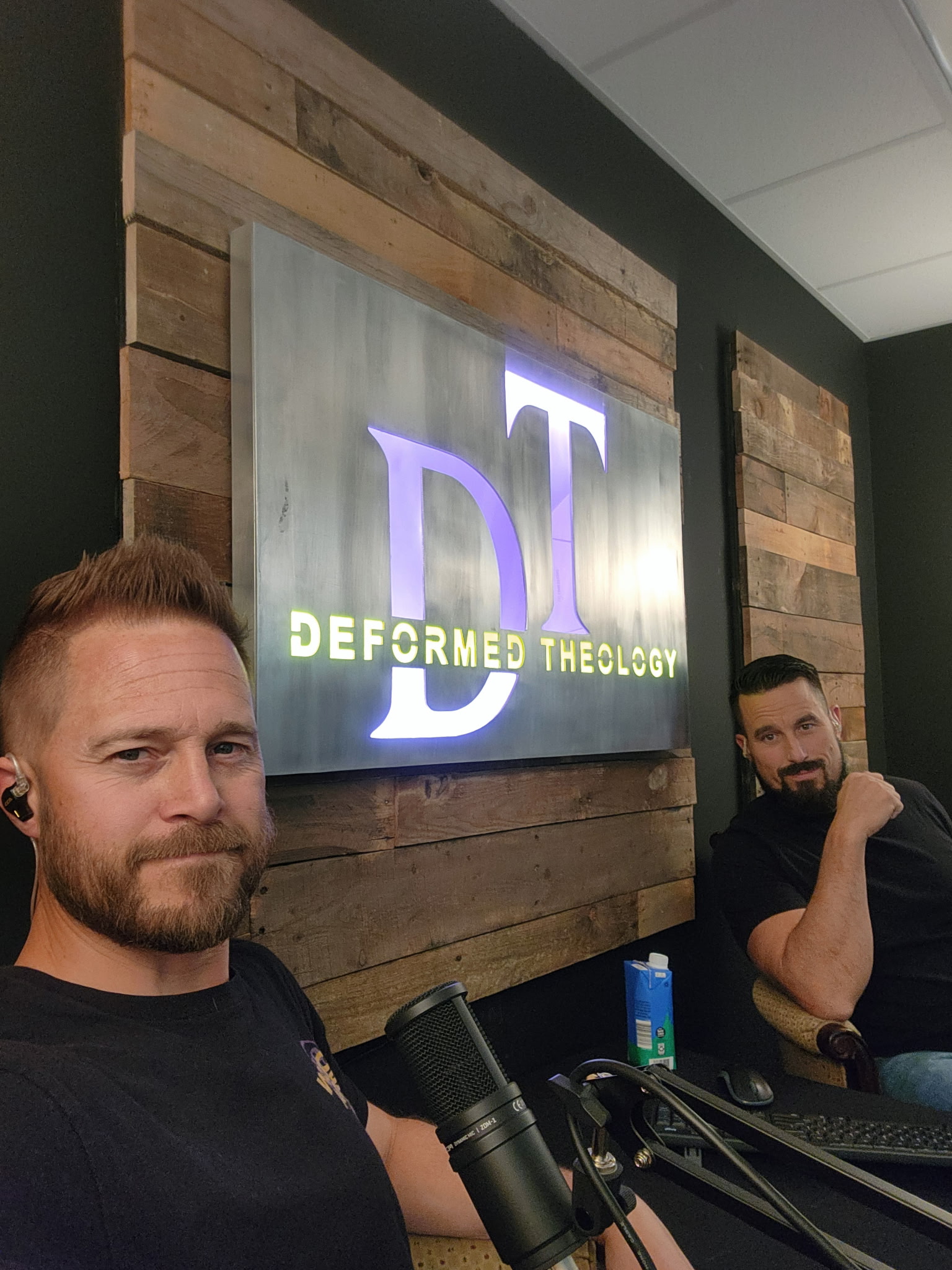
These sites were built in minutes and update automatically.








What YouTube podcast hosts say about Podpage

Your YouTube podcast website in 3 steps
Paste your RSS feed
Enter your podcast RSS feed URL or search by name. We pull in everything automatically.
Pick a template & customize
Choose from beautiful templates and set your brand colors. No design skills needed.
Publish & forget
Your website updates automatically every time you release a new episode. Forever.
Frequently asked questions
Everything you need to know about building a YouTube podcast website with Podpage.
Is Podpage the best website builder for a YouTube channel?
It is the best fit if you want the site to build and update itself from your channel and your podcast feed. If you want a general business site with a video section, Squarespace or Wix fit better, though you add and maintain each video page yourself. Podpage is built for shows and channels, not as an all-purpose site builder.
Can my website update itself when I upload a new video?
Yes. Podpage syncs with your YouTube channel and your podcast RSS feed automatically. When you publish a new video or episode, your website updates on its own, so you never need to add content by hand.
Do I need a website if I already have a YouTube channel?
You do not need one to publish, but it helps. A website is a home you own, lets you collect email addresses for direct contact with fans, and adds Google search as another way to be found. It also looks more professional when you pitch sponsors.
Will a website hurt my YouTube views?
No. Videos on your site are YouTube embeds, so plays still count on YouTube. Your site gives people another way to find your videos, and Google can show your video pages in search results next to your YouTube listing.
How much does it cost?
YouTube video pages are part of the Pro plan, $19/mo billed annually ($29/mo billed monthly). Every plan starts with a 14-day free trial with no credit card, and the trial includes Pro features, so you can try the video pages before paying. There is no free plan.