Internal links are one of the most effective ways to improve a website’s performance in search. They help search engines crawl your site, understand relationships between pages, and determine which content matters most.
They are also tedious to manage.
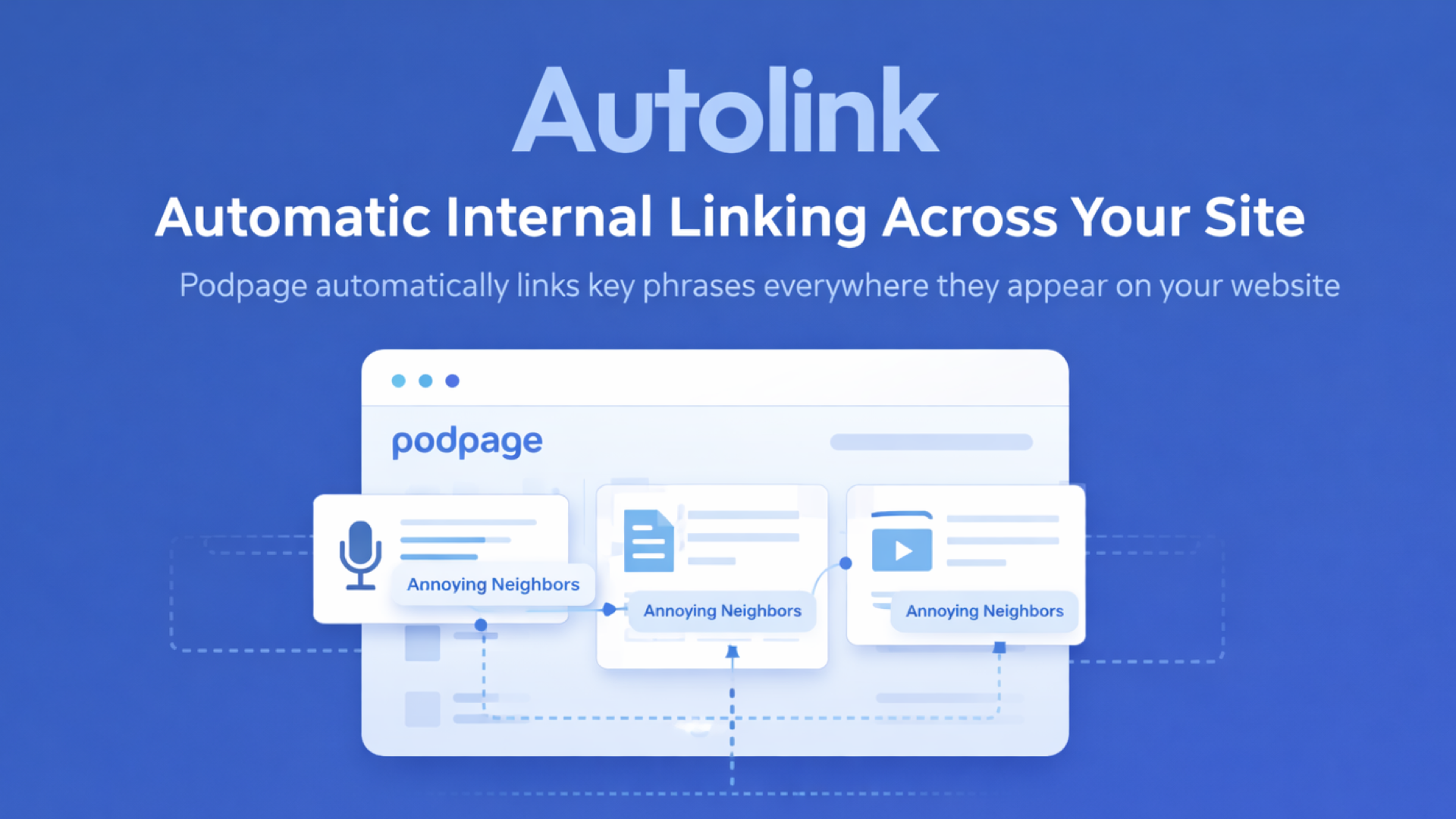
Autolink eliminates that work. It automatically creates internal links across your entire site using the focus key phrases you already set for episodes, blog posts, and videos.
No manual linking. No ongoing maintenance. Just a stronger site structure by default.
Why internal linking matters
Search engines rely on internal links to discover and understand content. A page that receives consistent internal links is easier to crawl, more likely to be indexed correctly, and more likely to rank.
For podcast websites, this is especially important. Episodes reference past episodes. Blog posts mention recurring topics. Show notes repeat key ideas across dozens—or hundreds—of pages.
Manually keeping those links up to date does not scale. As your archive grows, internal linking almost always falls behind.
How Autolink works
Autolink builds on something you already use: focus key phrases.
When you set a focus key phrase for an episode, blog post, or video, Autolink scans your entire site for that phrase. Wherever it appears, Podpage automatically links it back to the original content.
This happens across every page on your site:
Episode pages
Blog posts
Video pages
Static pages
You do not need to add links manually. You do not need to update old content. Autolink handles it automatically.
One setting, site-wide impact
Once Autolink is enabled, it runs continuously in the background.
New content is included as soon as it’s published. Existing pages are updated automatically. If you change a focus key phrase or edit your content, links adjust accordingly.
This creates a living internal linking structure that evolves with your site—without any extra work.
Built for real publishing workflows
Autolink does not introduce a new system to learn.
You already set focus key phrases as part of your normal publishing workflow. Autolink simply uses that information to create links everywhere they matter.
There are no rules to configure, no pages to manage, and no decisions to revisit later. You focus on publishing content. Podpage handles the linking logic.
Better structure, clearer signals
By automatically linking key phrases across your site, Autolink helps search engines understand:
Which pages are central to your content
How related topics connect to each other
Which episodes or posts should be prioritized
This results in clearer crawl paths, stronger internal signals, and a more coherent site structure overall.
Designed to scale with your archive
Internal linking problems grow with success. The more content you publish, the harder it becomes to maintain links manually.
Autolink scales automatically. Whether you have 10 episodes or 1,000, the system works the same way—consistently and without additional effort.
Enable Autolink in seconds
Autolink can be enabled from your dashboard:
Grow → Search Engine Optimization → Autolink
Once enabled, it starts working immediately across your entire site. Currently this feature is only available to the Elite plan.
Summary
Autolink automatically creates internal links using the focus key phrases you already set. It strengthens your site structure, improves crawlability, and removes one of the most time-consuming parts of SEO.
You publish content. We connect it.


