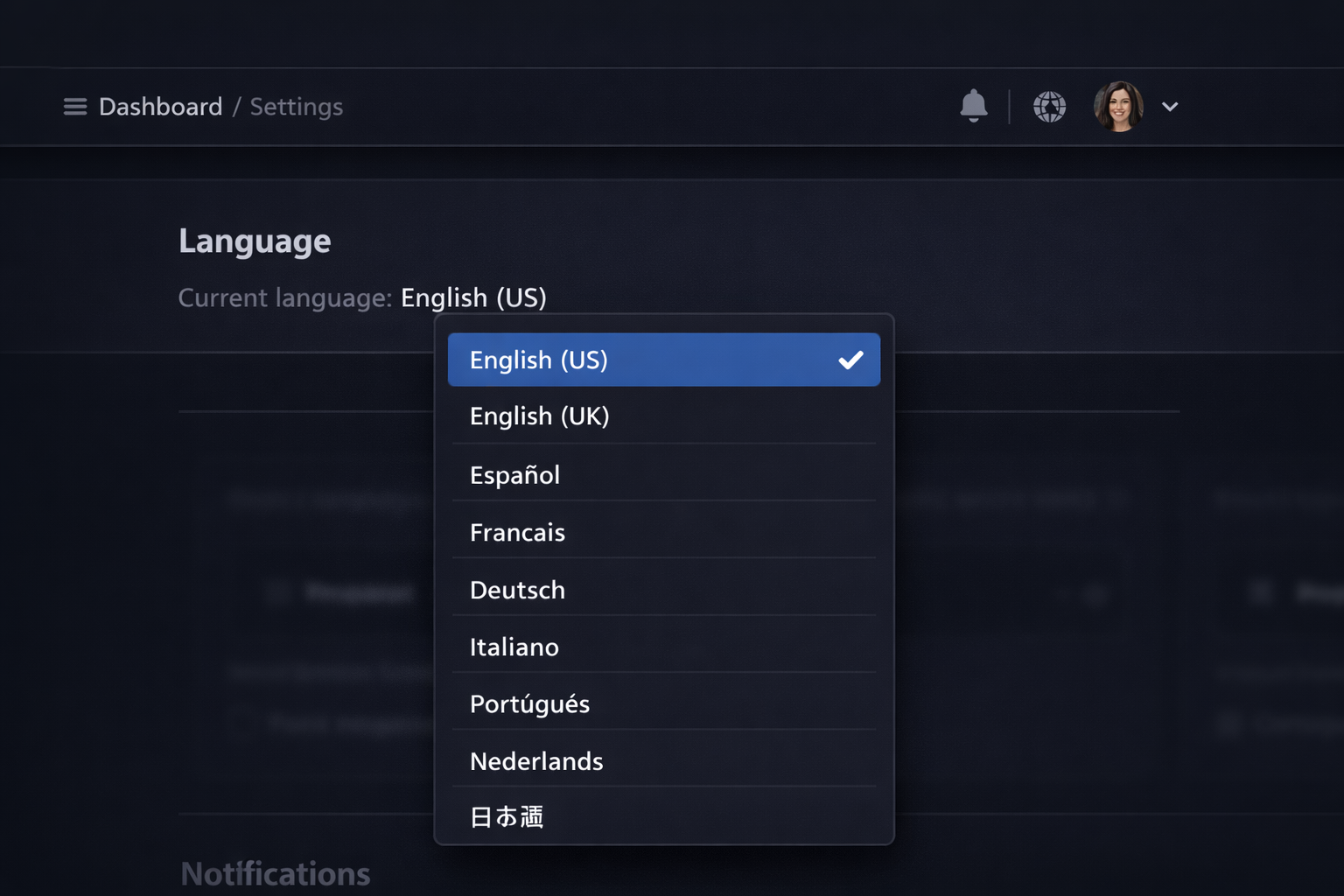
Your podcast might be in English, but your website visitors aren't all English speakers. Or maybe your podcast is in Portuguese, Spanish, or German — and until now, the website around it was stuck in English.
Podpage now supports multi-language sites.
What gets translated?
When you set your site's language, all of the text that Podpage generates translates automatically. That includes navigation labels, buttons, footer links, the GDPR consent banner, form labels, and every other piece of platform UI.
This isn't a translation plugin layered on top of your site. It's built into how Podpage renders every page.
What about my episode titles and descriptions?
Your podcast content stays exactly as you wrote it in your RSS feed. Episode titles, descriptions, show notes — all untouched. You stay in full control of your own words. Podpage translates the interface around your content, not the content itself.
What languages are supported?
We're launching with an initial set of languages and adding more over time. If there's a language you need that we don't support yet, let us know — we're prioritizing based on what our users need.
How do I switch my site's language?
Head to Settings → Site Language in your Podpage dashboard and select your language. The change applies site-wide immediately.
Can I have my site in multiple languages at once?
Right now, each site supports a single display language. We're exploring multi-language support for sites that need to serve audiences in more than one language — stay tuned.


